A little magic for your Mac.
Press ⌥ Space and just type. Apps, answers, plain-English commands and Apple's private on-device AI, all from one little box. Clipboard history, notes and themes live one tab away.
NewPost about it, get up to 100% back$5 once · 7-day free trial · no subscription · macOS 26 Tahoe+
It's live. Go on, type something.
That was a sketch. This is the app.
The launcher above is a small rebuild for your browser. These are screenshots of HocusFocus itself, running on a Mac.
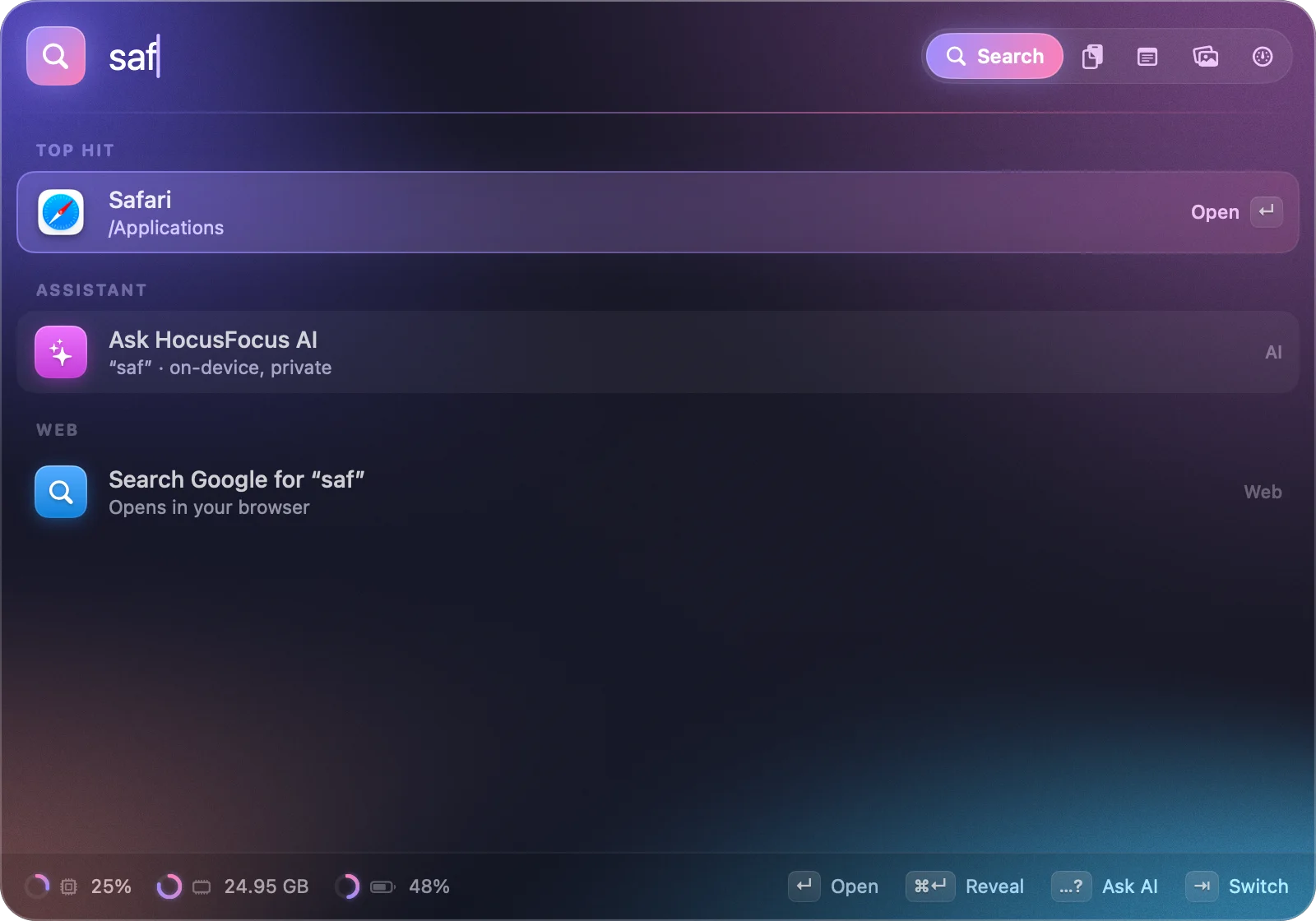
Three letters is plenty.
Fuzzy search finds apps from a few keystrokes and learns what you open most, so the right one rises to the top. Nothing matches? It becomes a web search.
- Fuzzy app search ranked by how often you launch things.
- Commands for your clipboard, notes, wallpapers, dark mode and more.
- Keycap hints show exactly what ↵ and ⌘↵ will do.
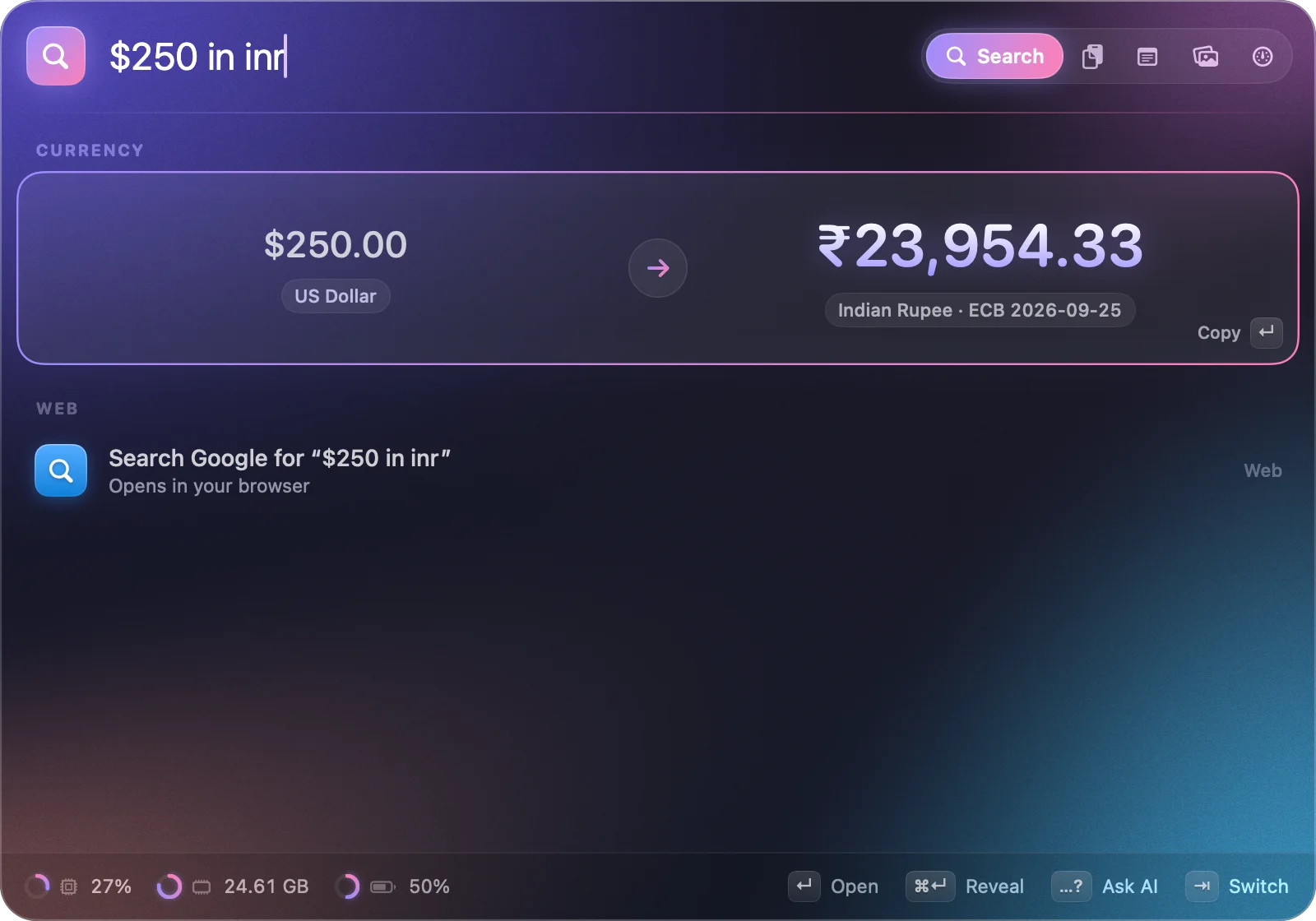
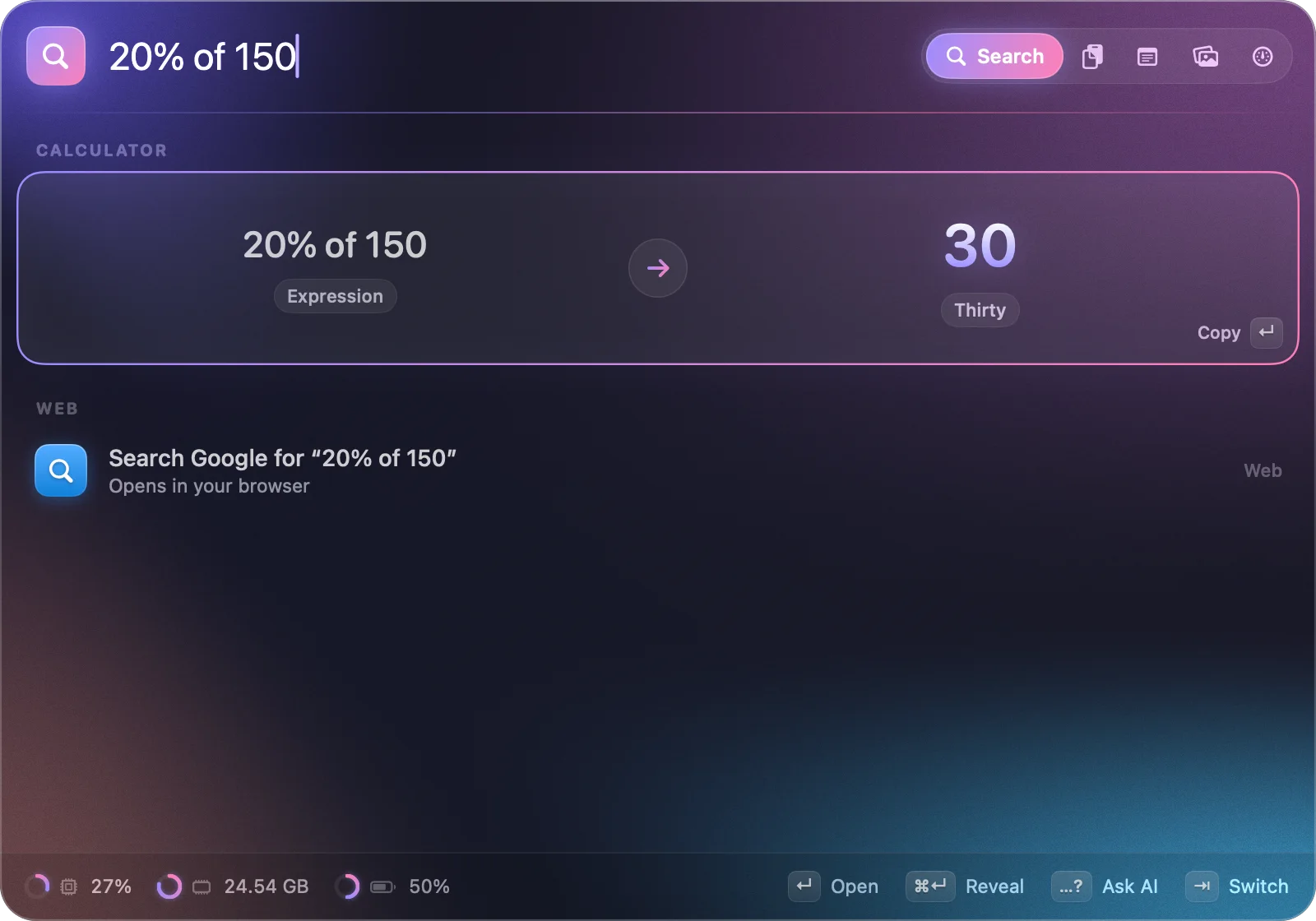
The answer shows up before you finish typing.
No mode to switch into and nothing to press. Type a sum, a conversion or a question about time, and the answer glows in right under it. ↵ copies it.
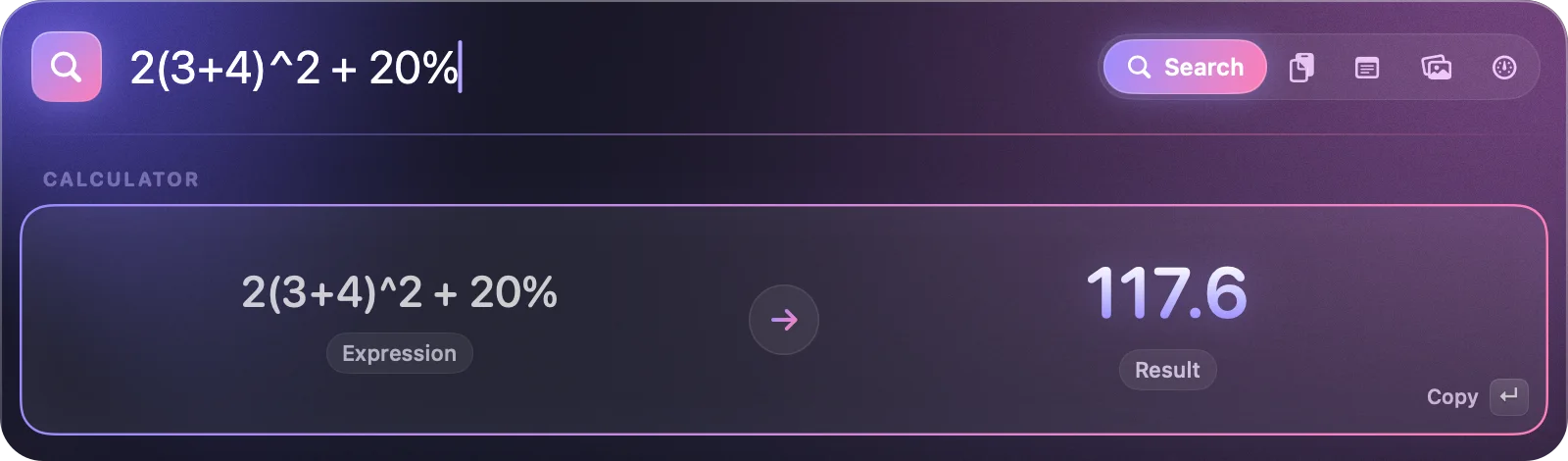
Math the way you write it
Implicit multiplication, powers, percentages.
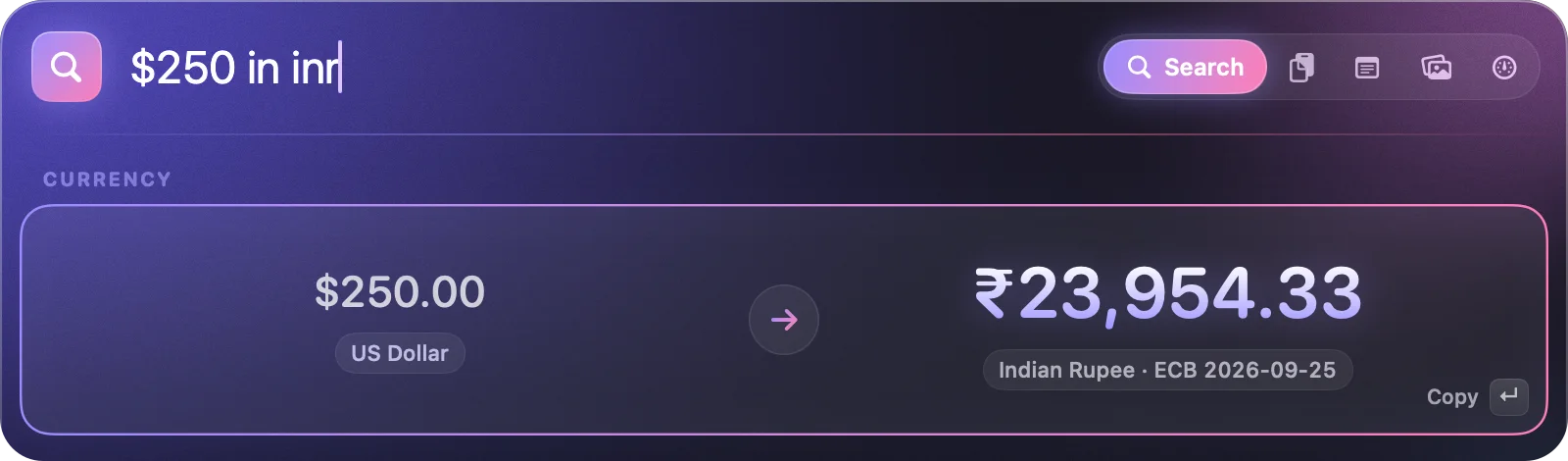
Live currency
Daily ECB rates, cached for offline.
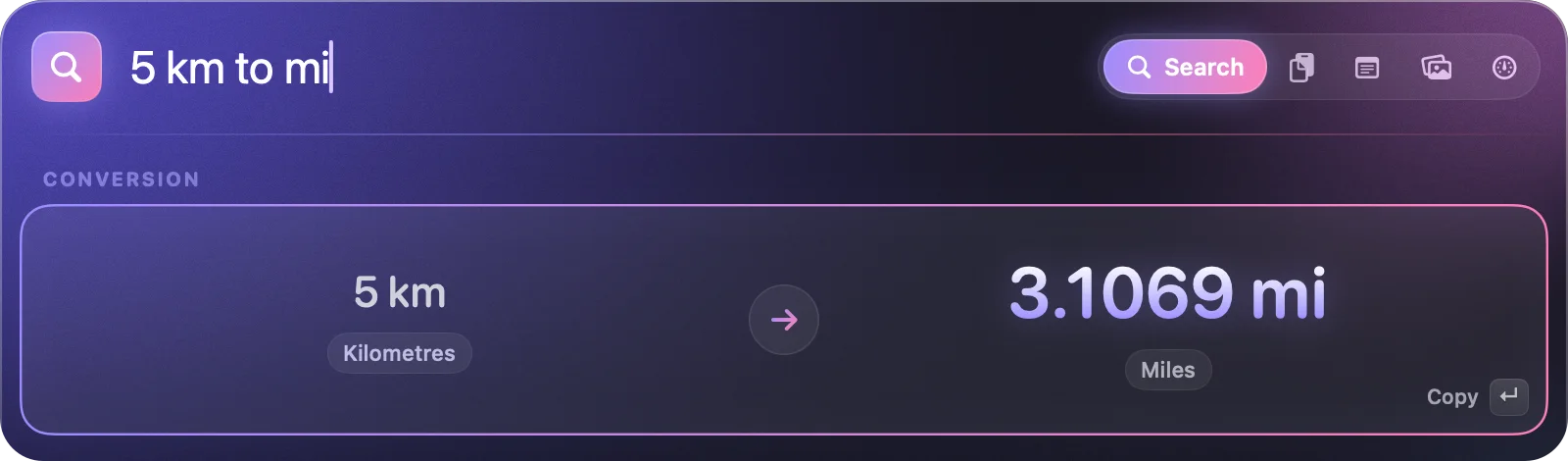
About 80 units
Distance, weight, temperature, data, time…
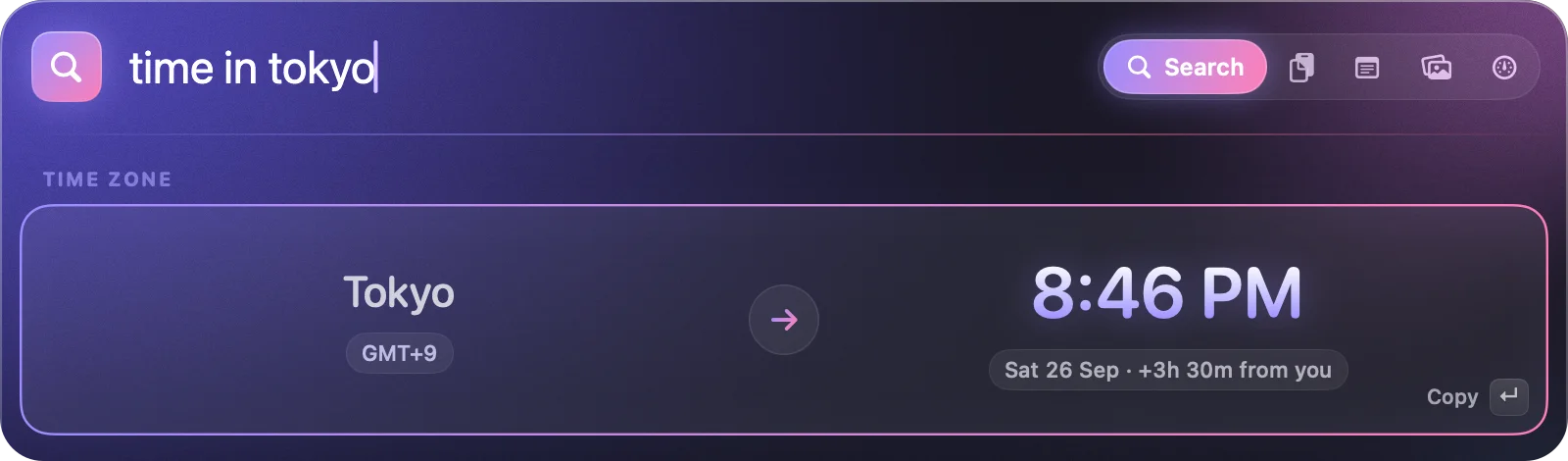
World clock
Any city, with the offset from you.
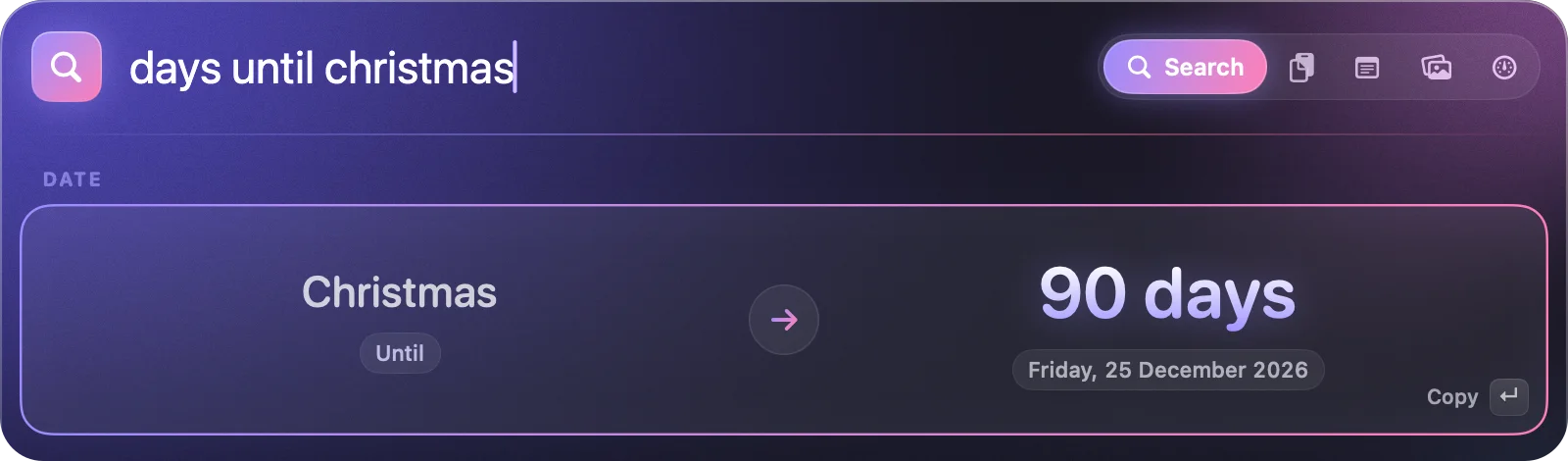
Date counts
Days until, days since, holidays.
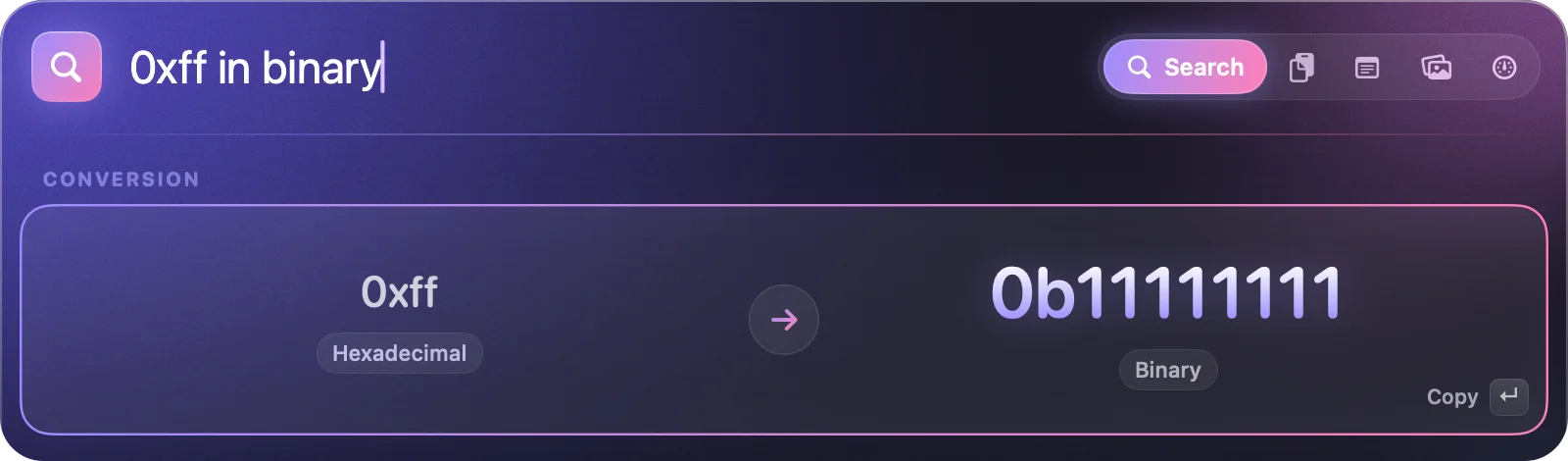
Hex and binary
Convert between bases as you type.
Just say what you want.
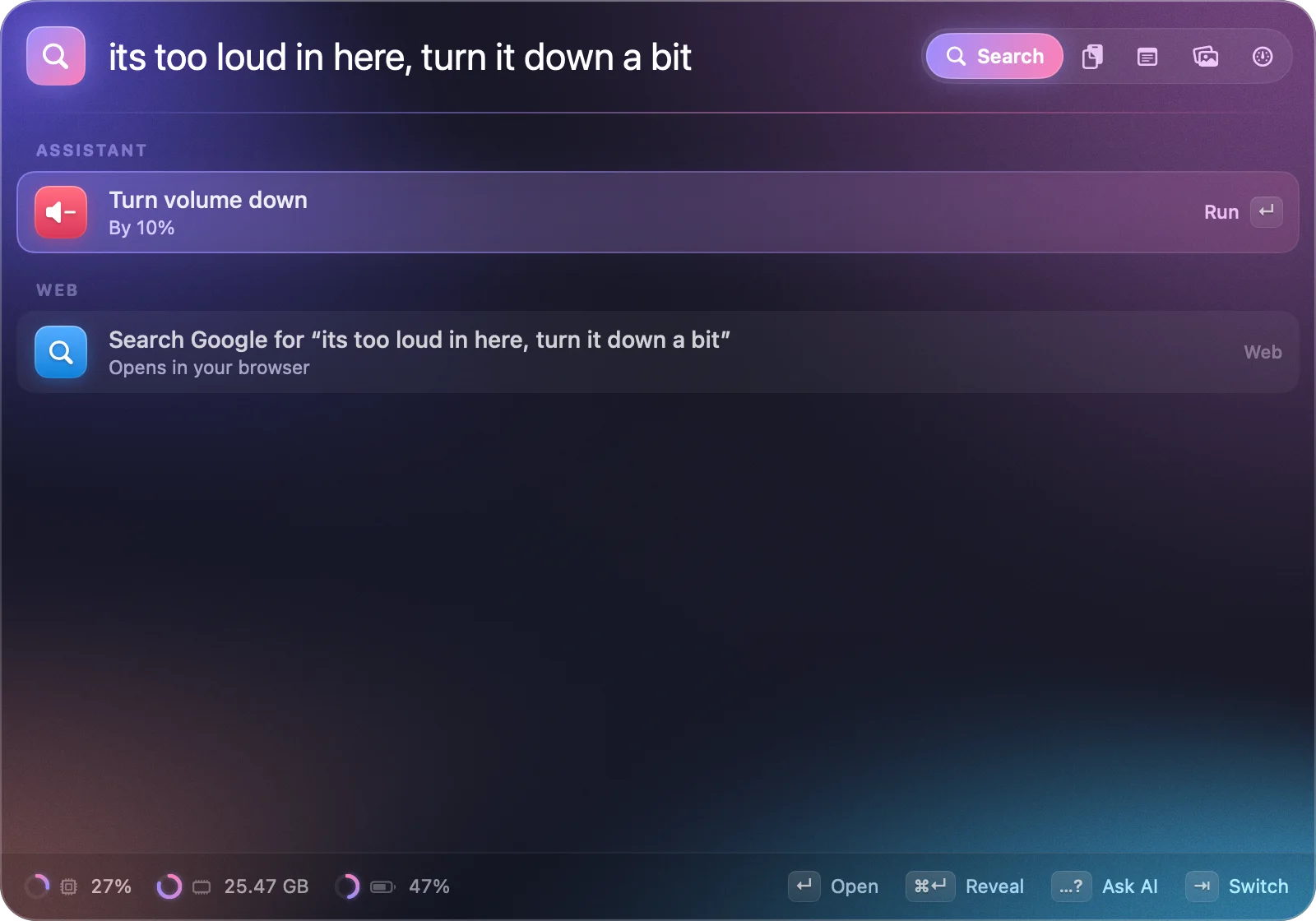
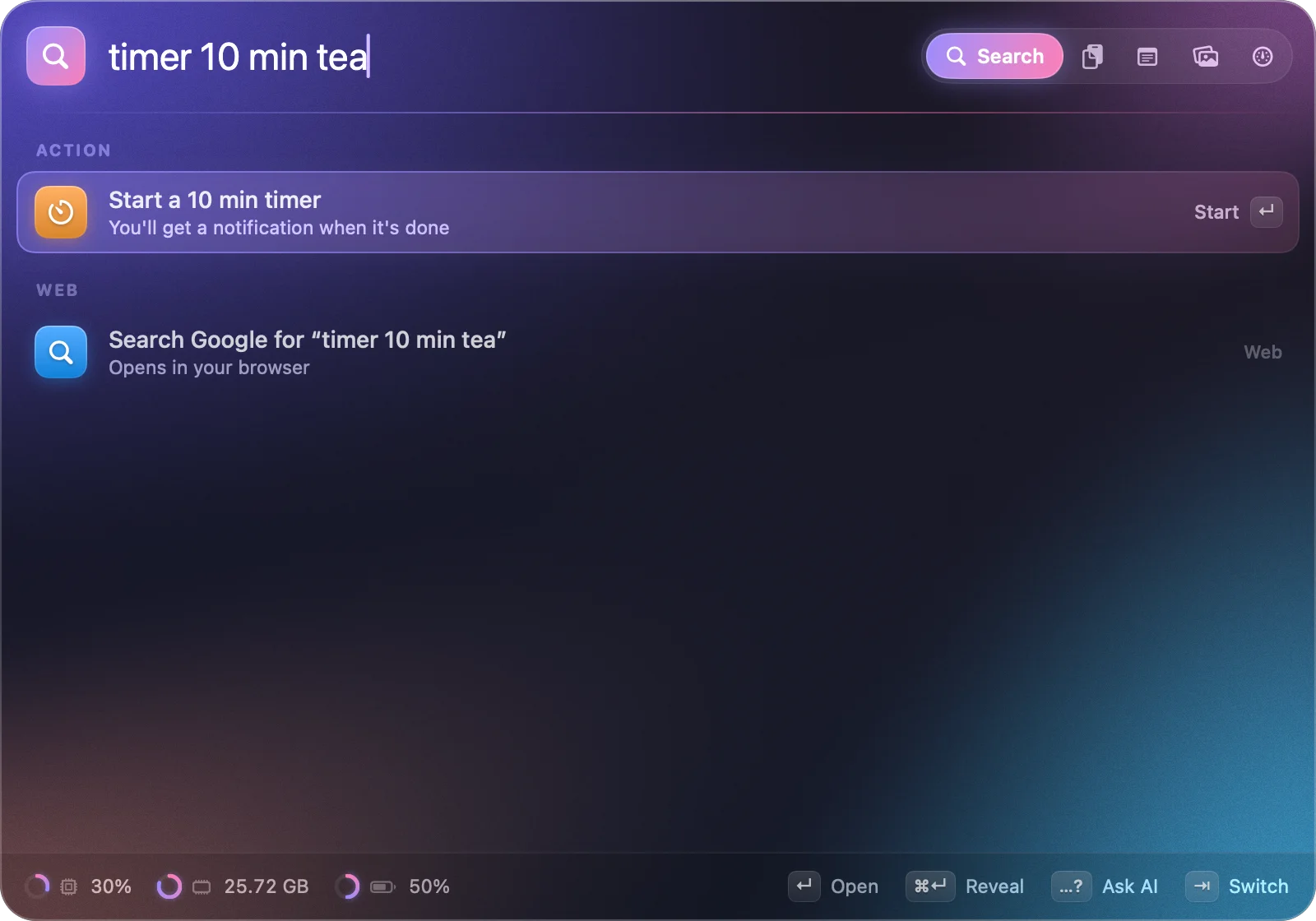
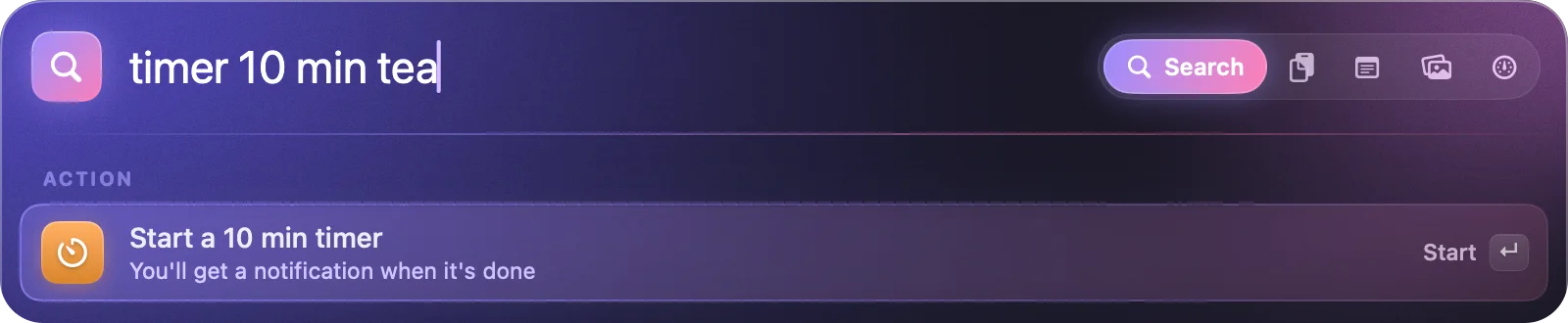
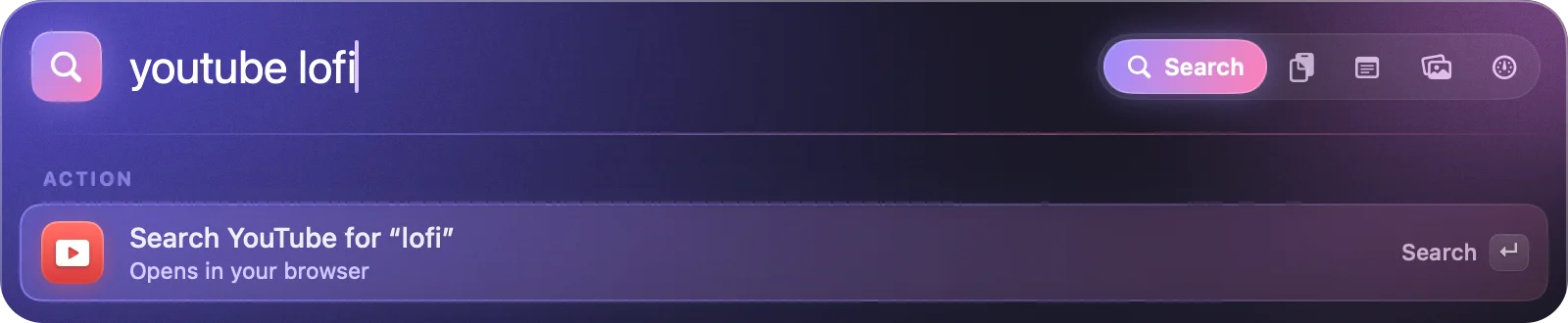
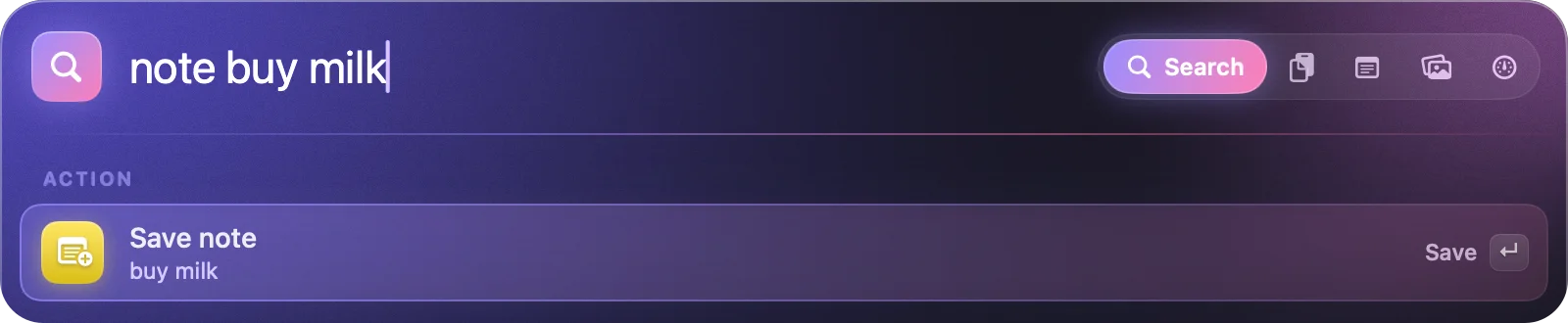
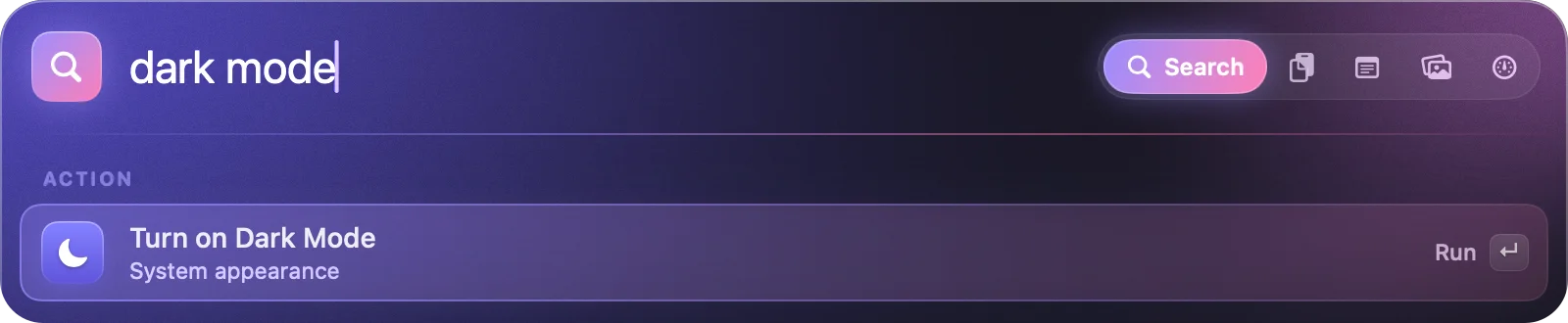
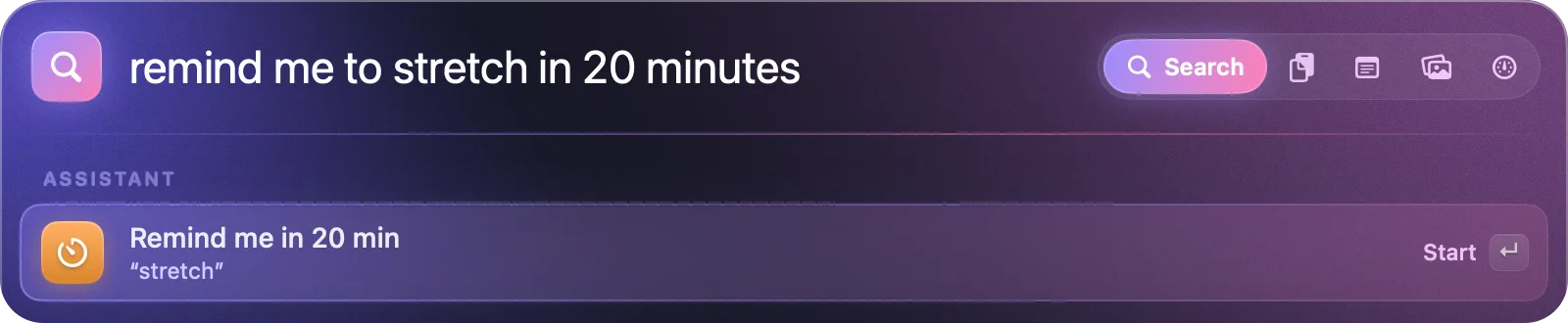
Everyday requests are understood instantly by fast, predictable rules, so they work offline and never guess. Each one waits for ↵.
- open figma
- quit slack
- volume 30
- mute
- dark mode
- note buy milk
- timer 10 min tea
- remind me to stretch in 20 minutes
- youtube lofi
- random wallpaper
- theme nord
- battery
- ip
- uptime
- lock
An assistant that never leaves your Mac.
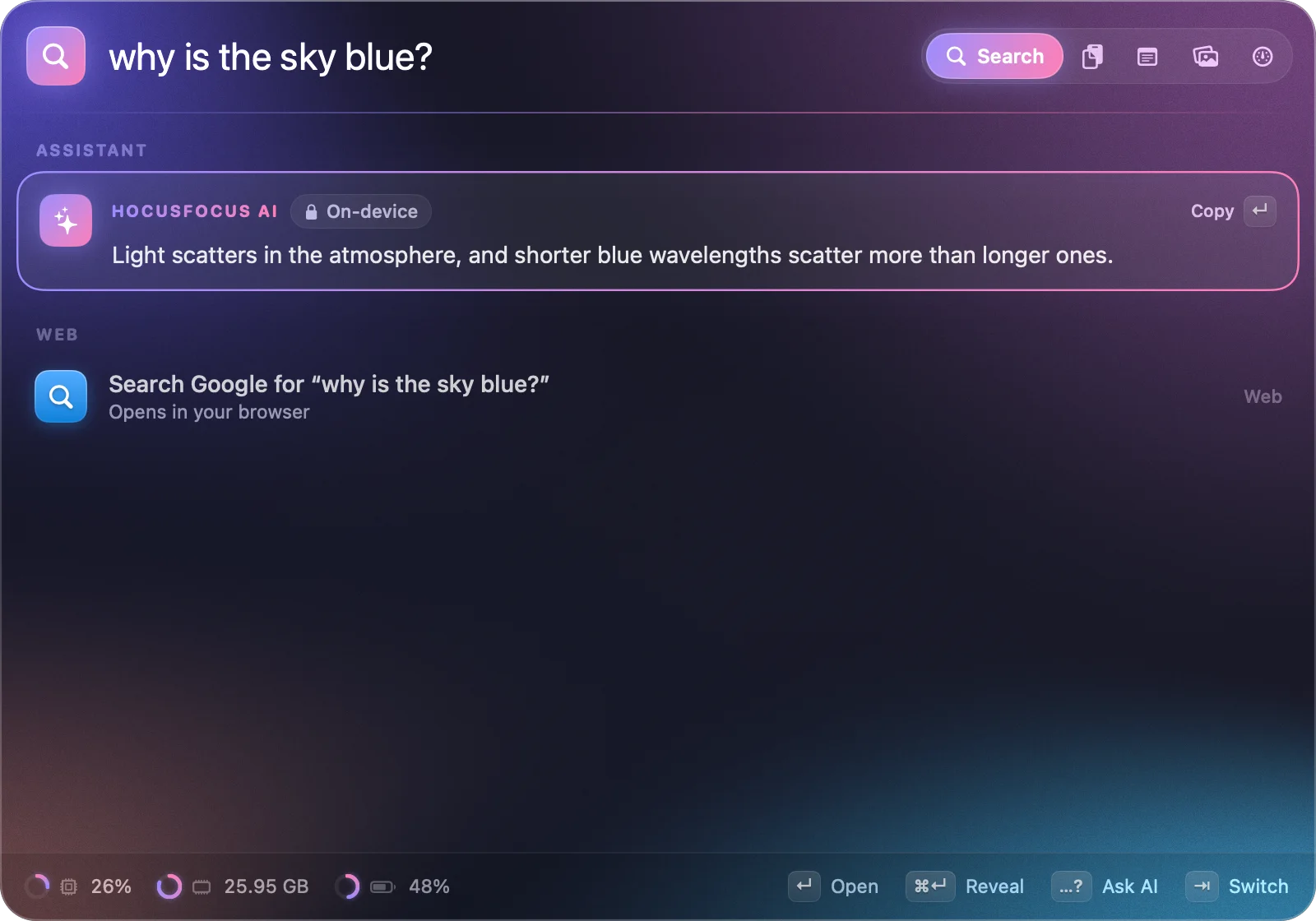
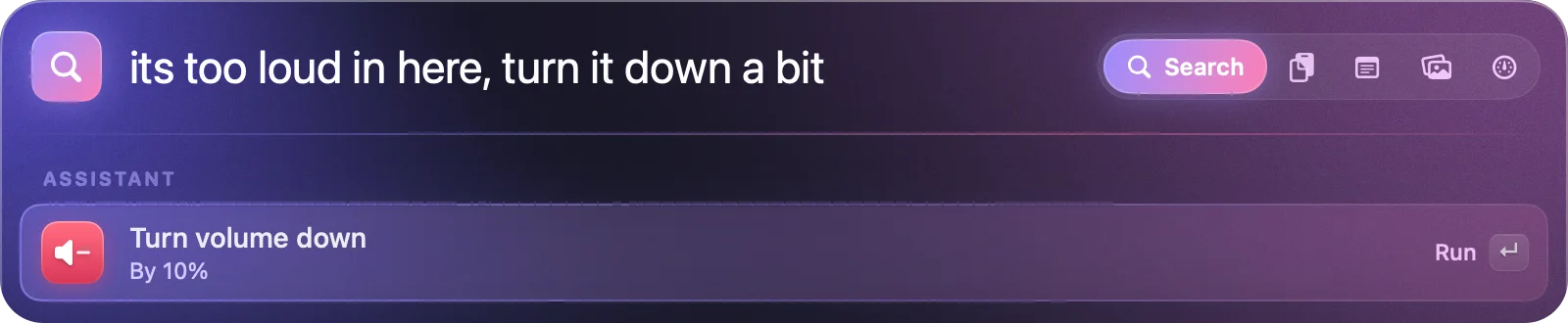
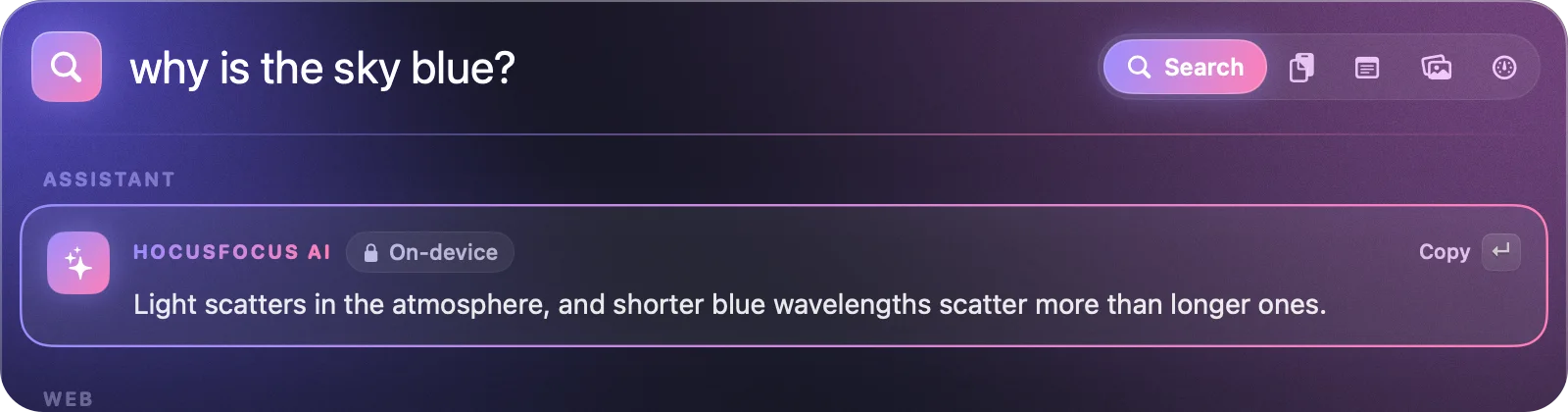
When a request doesn't fit a rule, HocusFocus asks the language model built into macOS. It works out what you meant and suggests the action, or streams an answer to your question. It's private and free, and there's no account.
Runs on your Mac
Apple's Foundation Models framework, on Apple silicon. Your requests are never sent to a server.
Free, forever
No API key, no tokens, no sign-in. The model ships with macOS, so there's nothing to download.
Waits for ↵
The AI only ever suggests. Nothing happens until you press return, and questions are just answered.
In testing on 30 phrasings it had never seen, it picked the right action 27 times. AI features need a Mac with Apple Intelligence turned on; everything else works on any Mac running macOS 26 Tahoe.
Everything you copied, one keystroke back.
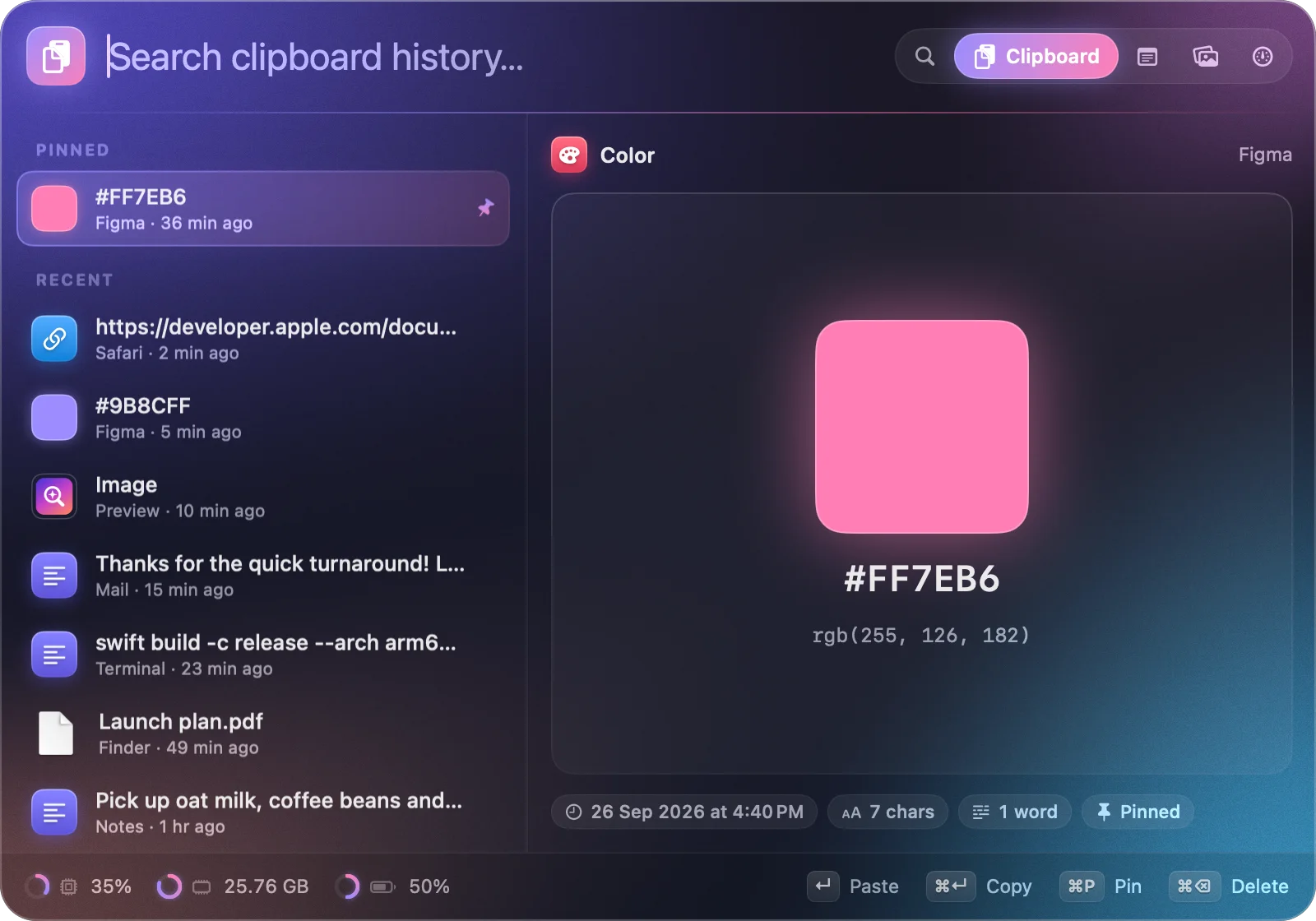
Press ⌥⌘V for your history: text, links, colours, images and files, each shown the way it should be.
- Paste straight into the app you were using.
- Colour swatches for hex codes, previews for images and files.
- Pin what you reuse; search everything else.
- Skips passwords from 1Password, Bitwarden and friends.
A scratchpad that's always there.
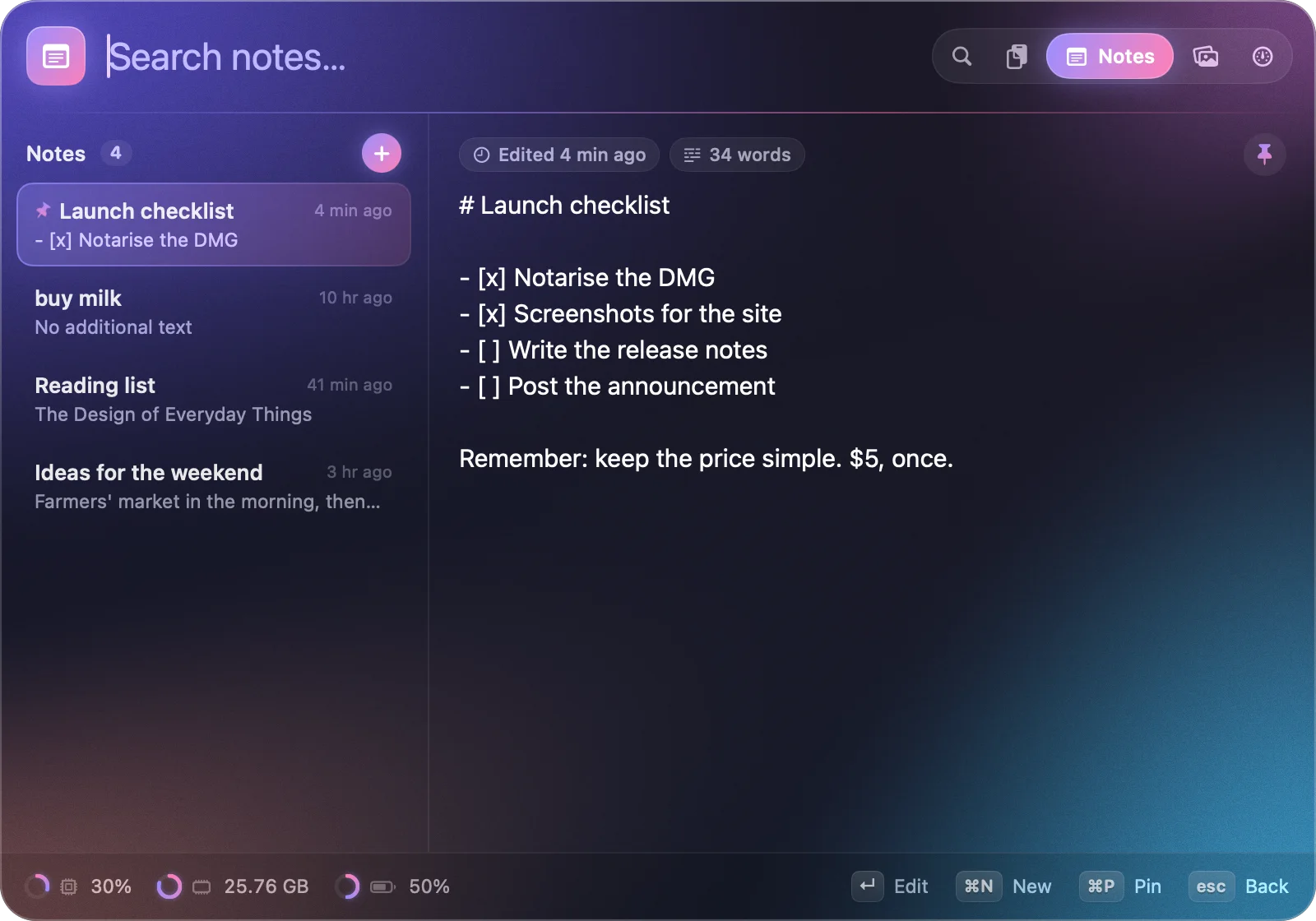
Press ⌥⌘N, write and close. Notes save as you type, can be pinned and searched, and you can add one without leaving the launcher: type note buy milk.
Rice your Mac.
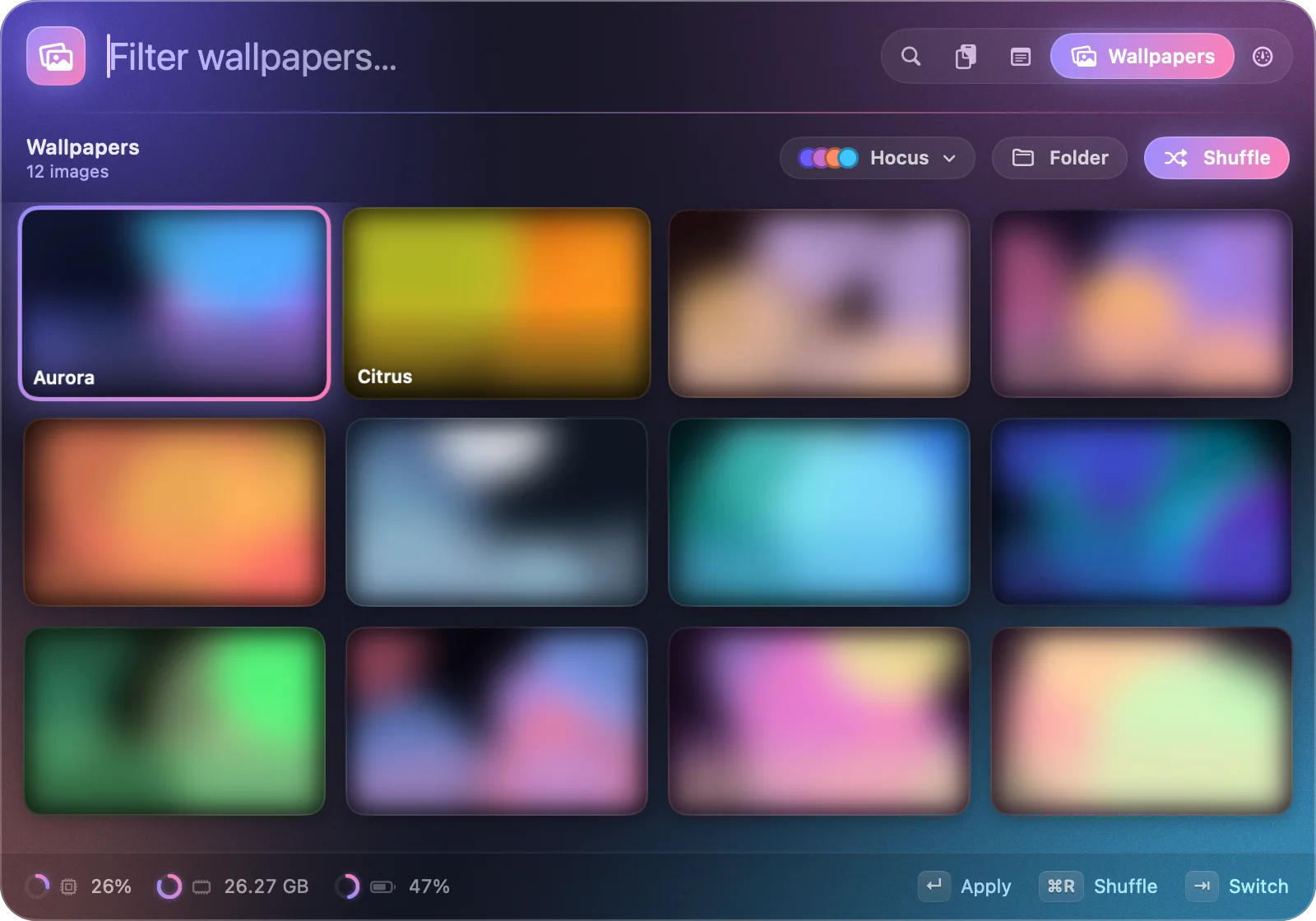
Browse your wallpapers in a grid, shuffle them or rotate them on a timer. Themes tint the whole interface with colours pulled from your wallpaper, or pick a favourite preset.
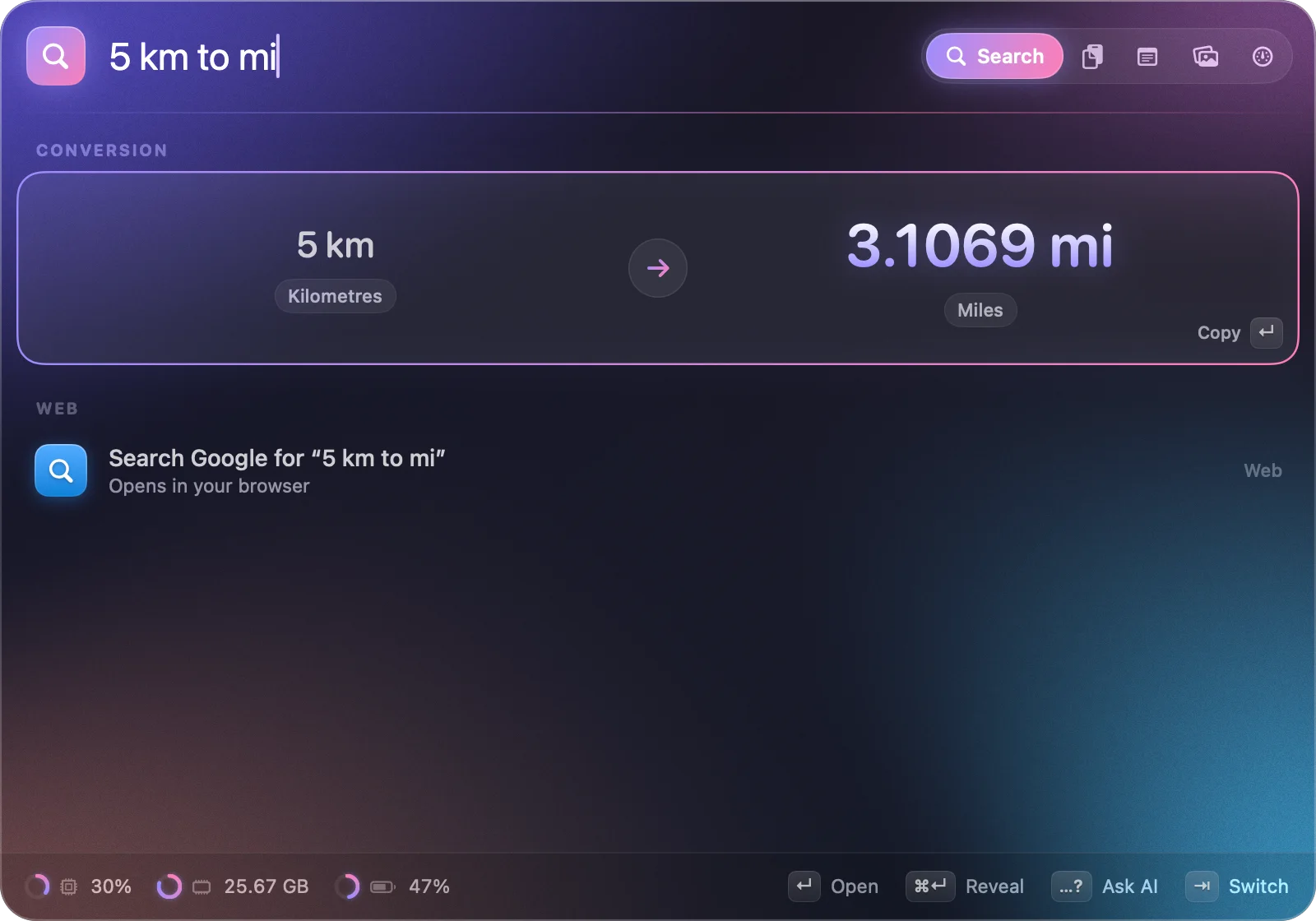
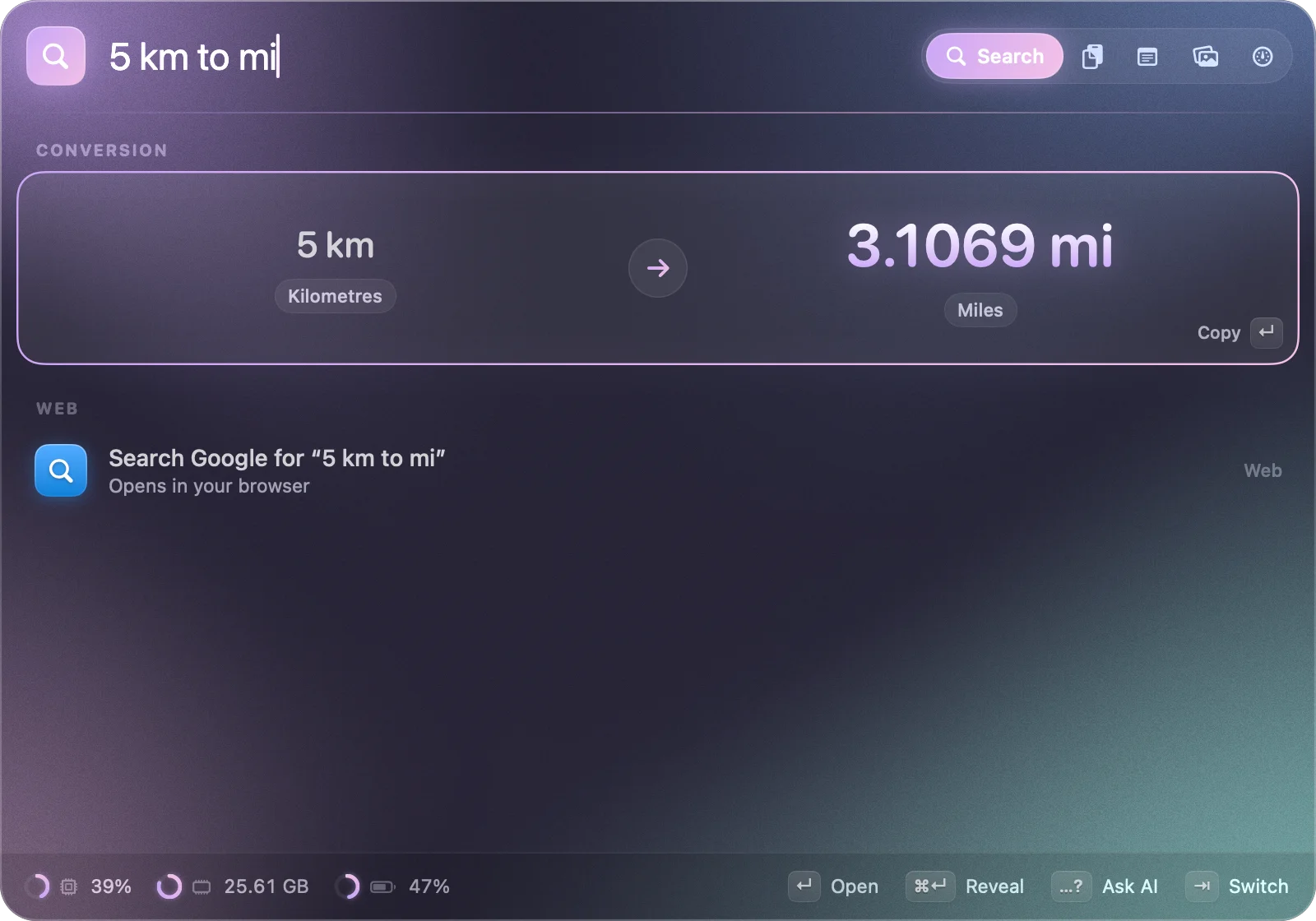
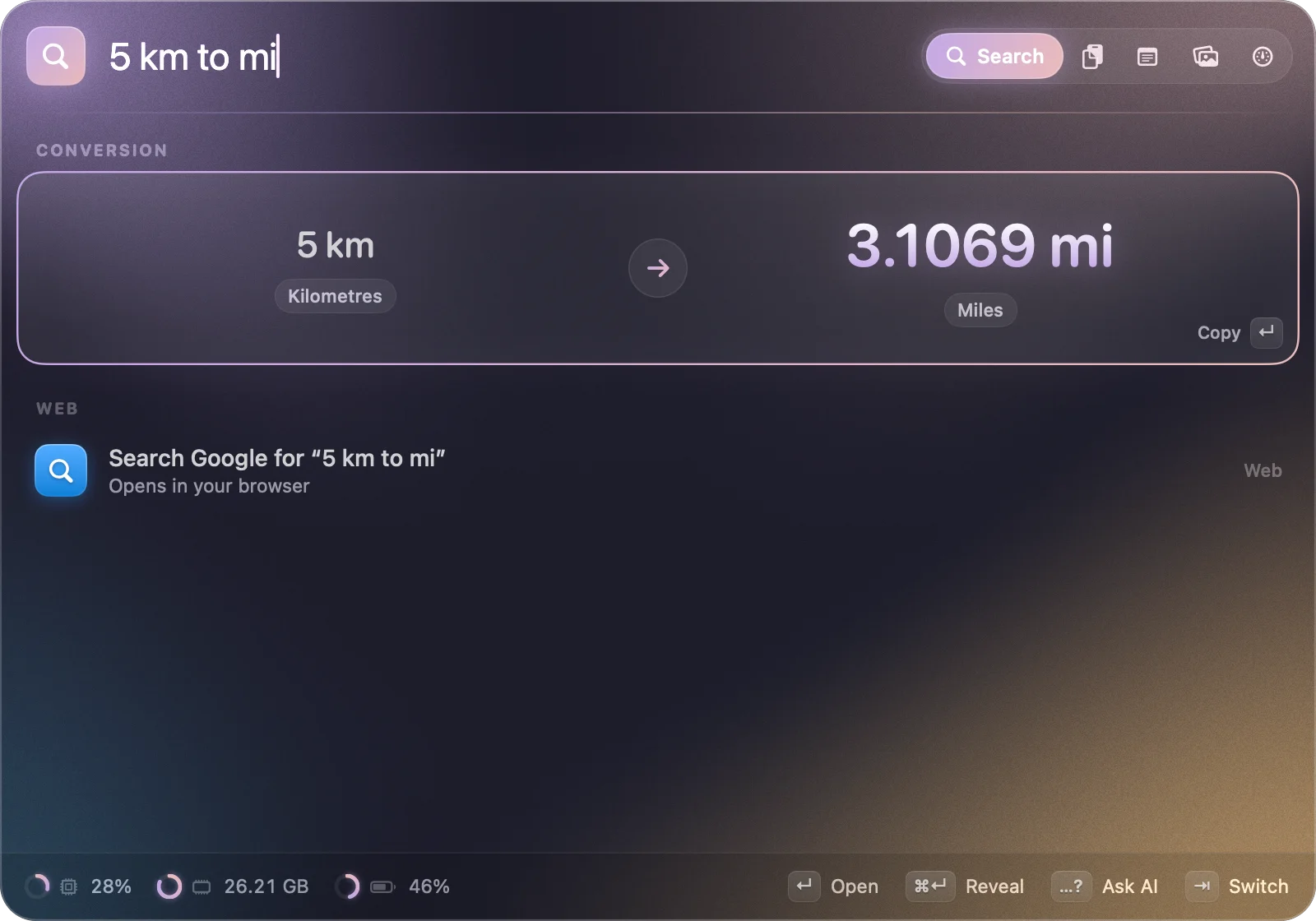
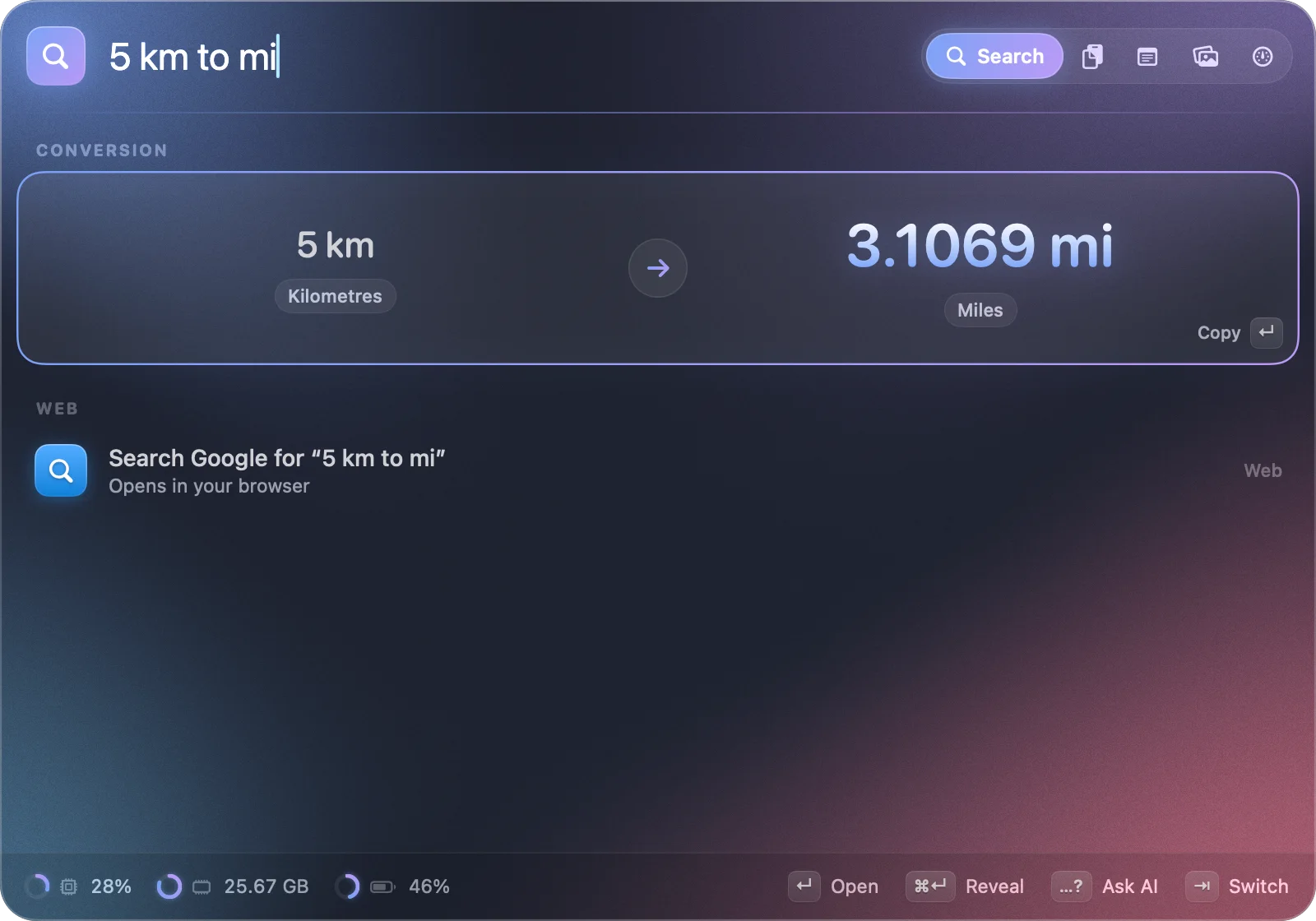
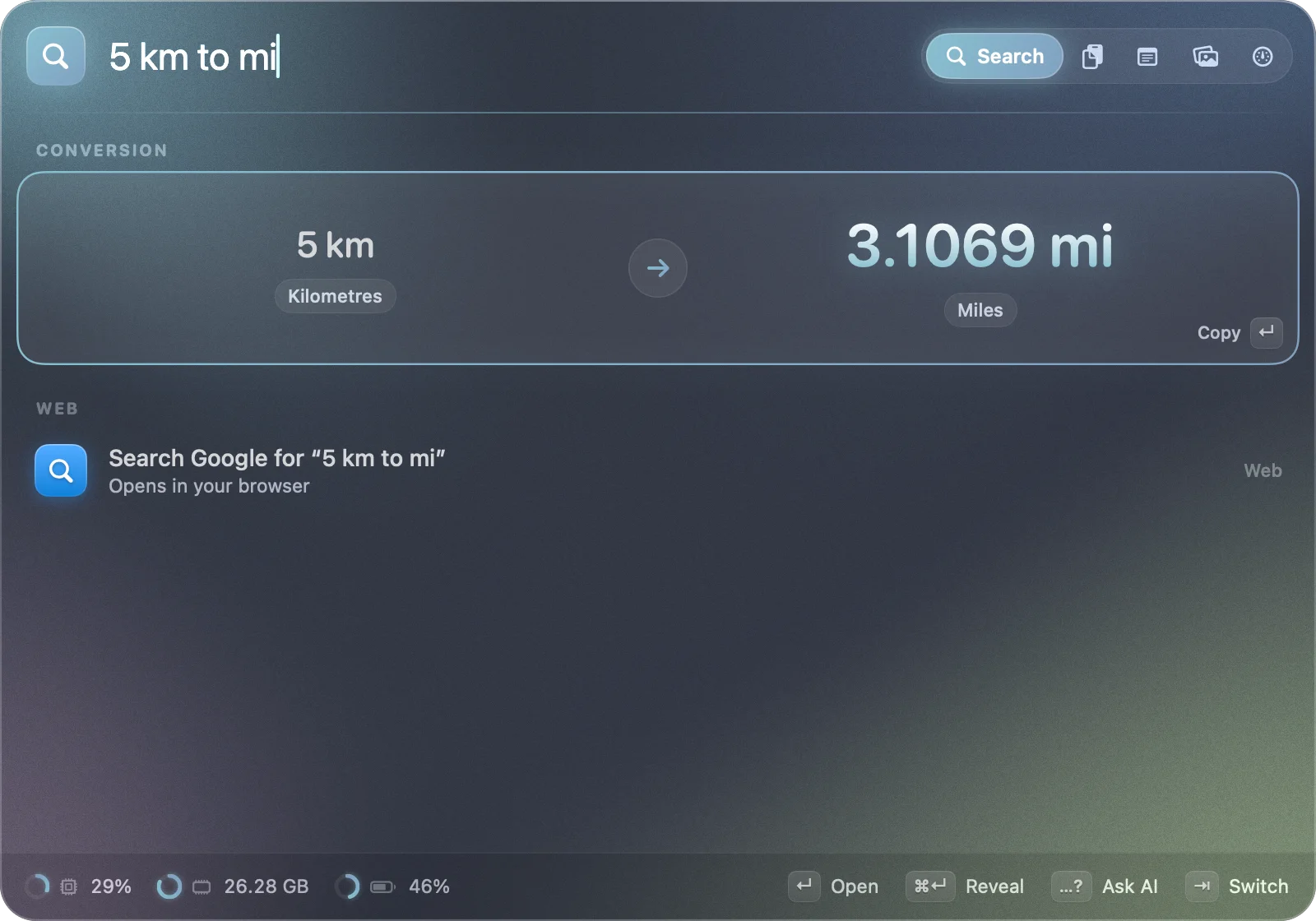
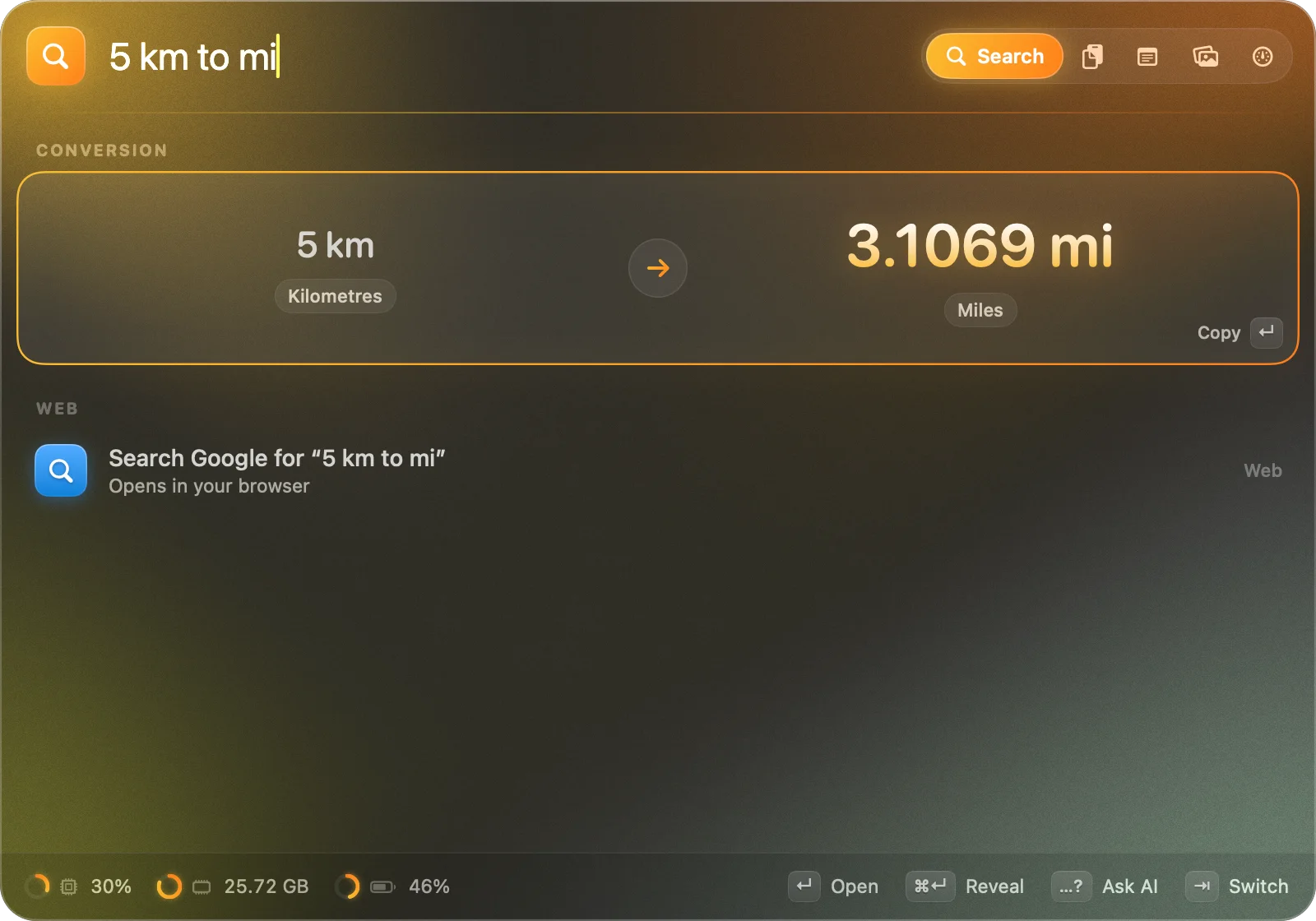
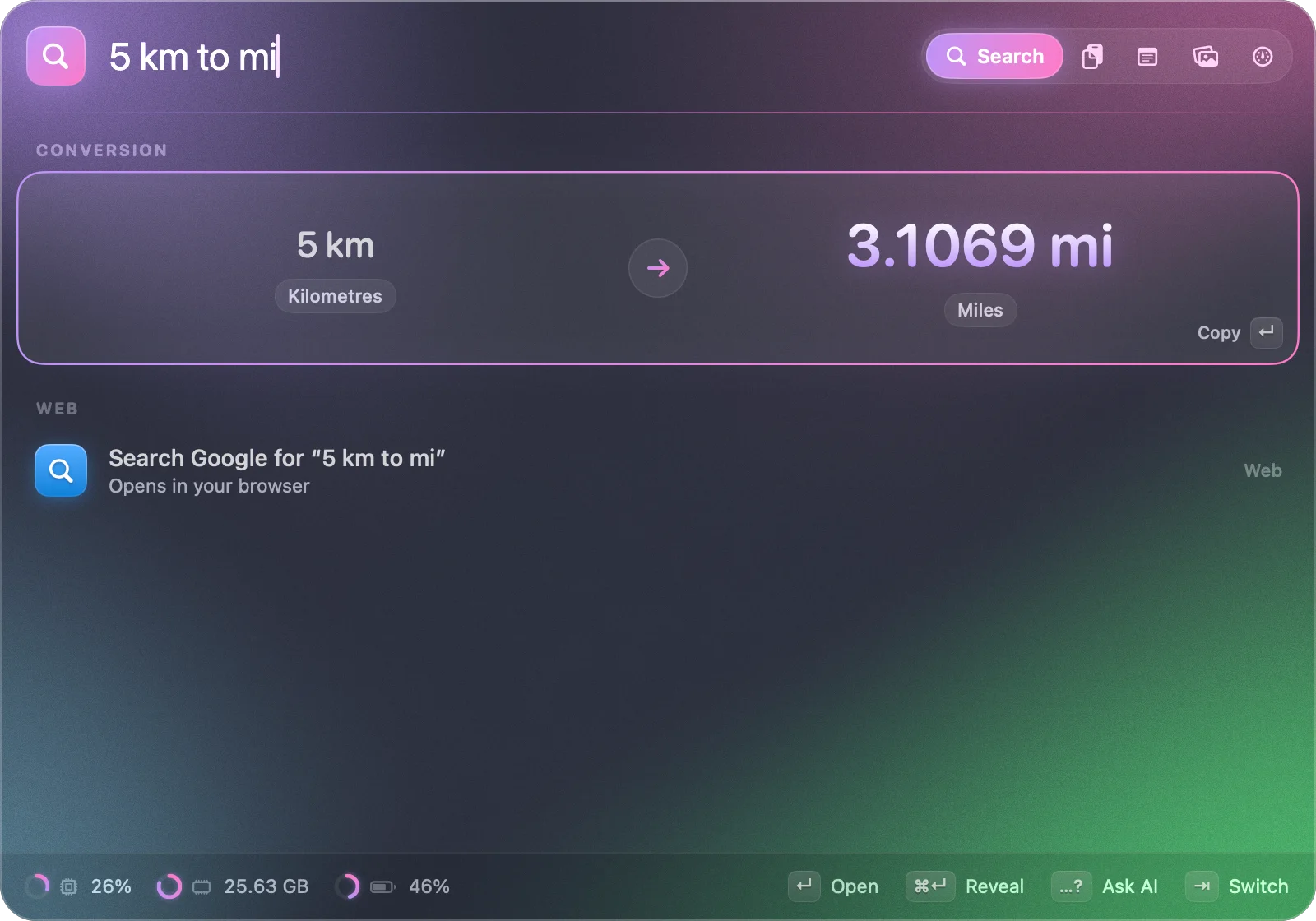
Pick a theme: this page follows along, just like the app.
A wallpaper grid, one tab away.
Point it at any folder, add macOS's own wallpapers if you like, and press ⌘R to shuffle. Presets include Catppuccin, Rosé Pine, Tokyo Night, Nord, Gruvbox and Dracula.
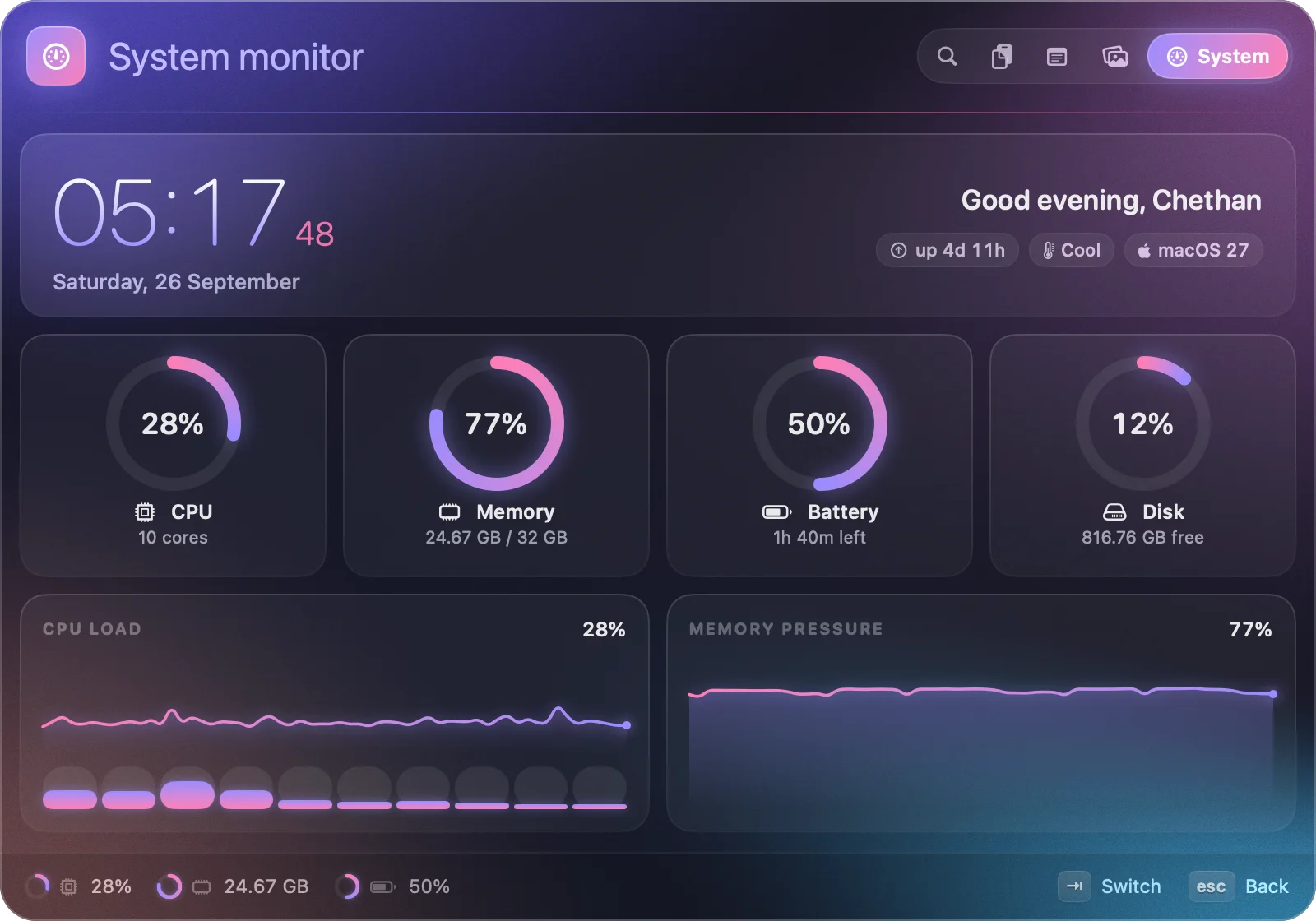
Your Mac at a glance.
A big clock, glowing gauges for CPU, memory, battery and disk, per-core bars and live history graphs. It only samples quickly while you're looking.
Your hands never leave the keys.
Every tab has a global shortcut, and every one can be re-recorded in Settings.
$5. Once. That's it.
No subscription and no paid upgrades. Try everything free for 7 days first.

- Every feature and every future update
- Up to 3 Macs; move your licence any time
- 7-day free trial, no account or card
- On-device AI at no extra cost, ever
- Apple silicon and Intel · macOS 26 Tahoe or later
or download the free trial (3 MB)
Questions
At a glance
- What it is
- A native macOS launcher (a Spotlight and Raycast alternative) that lives in the menu bar
- Price
- $5 once; a lifetime licence with every future update, up to 3 Macs, no subscription
- Free trial
- 7 days, every feature included, no account or card
- Requirements
- macOS 26 Tahoe or later; Apple silicon and Intel (universal). AI features need Apple Intelligence (Apple silicon)
- AI
- Apple's on-device Foundation Models: private, free, nothing leaves the Mac; actions wait for ↵
- Download
- Signed and notarised DMG, 3 MB
- Latest version
- 0.1.1
- Made by
- Chethan Kumar S N, an independent developer
What is HocusFocus?
HocusFocus is a native macOS launcher that lives in your menu bar, a Spotlight and Raycast alternative. Press ⌥ Space to open apps, get instant answers (math, units, currencies, time zones, dates), run commands in plain English, ask the on-device AI, and reach your clipboard history, notes, wallpapers and a system dashboard.
What do I need to run it?
macOS 26 Tahoe or later. It's a universal app, so it runs on Apple silicon and Intel Macs. The AI features need a Mac with Apple Intelligence (Apple silicon) with Apple Intelligence turned on in System Settings. Everything else works without it.
Is the AI private? Does it cost extra?
It uses the language model built into macOS through Apple's Foundation Models framework. It runs entirely on your Mac: nothing is sent to a server, there's no account or API key, and it costs nothing extra. Nothing is downloaded or bundled either; the model is part of macOS.
Will the AI do things without asking?
No. When it understands a request like "it's too loud, turn it down a bit" it shows the action it would take, and nothing happens until you press ↵.
Does the rest need an internet connection?
No. The launcher, calculator, units, clipboard, notes, wallpapers and dashboard work offline. HocusFocus goes online for currency rates (from the European Central Bank via frankfurter.dev), for web searches you choose to open, and to activate your licence and re-check it now and then.
Does the clipboard history record my passwords?
No. Items that password managers like 1Password and Bitwarden mark as concealed or transient are never recorded. History stays on your Mac, you choose how much to keep, and you can clear it any time.
Can I keep using Spotlight's shortcut?
Every shortcut can be recorded in Settings. ⌥ Space opens HocusFocus by default; to use ⌘ Space, turn off Spotlight's shortcut in System Settings → Keyboard → Keyboard Shortcuts first.
How much is it?
$5, once. No subscription and no paid upgrades. One licence covers up to 3 of your Macs, and you can move it between them from Settings.
Is there a free trial?
Yes: 7 days with every feature, no account and no card. When it ends, HocusFocus asks for a licence; your notes, clipboard history and settings stay put.
Can I get my money back by posting about it?
Yes. Post a short video of HocusFocus and we'll refund half of what you paid once it reaches 2,000 views, or all of it at 20,000. You keep your licence. Here's how it works.
How do I get my licence after paying?
Checkout is handled by Polar. Your licence key arrives by email right away and is also in Polar's customer portal. Paste it into HocusFocus (Settings → License, or the unlock screen) and press Activate.
Why isn't it on the Mac App Store?
A launcher needs to see every app, send keystrokes to paste from the clipboard and change system settings like dark mode, which the App Store sandbox doesn't allow. HocusFocus is signed with a Developer ID and notarised by Apple, so it opens like any other app.
Weighing it up? See HocusFocus vs Spotlight, Raycast and Alfred.
Something else? Email chethan.2106@gmail.com and a person replies.